Friday, 22 January 2016

DAY 83

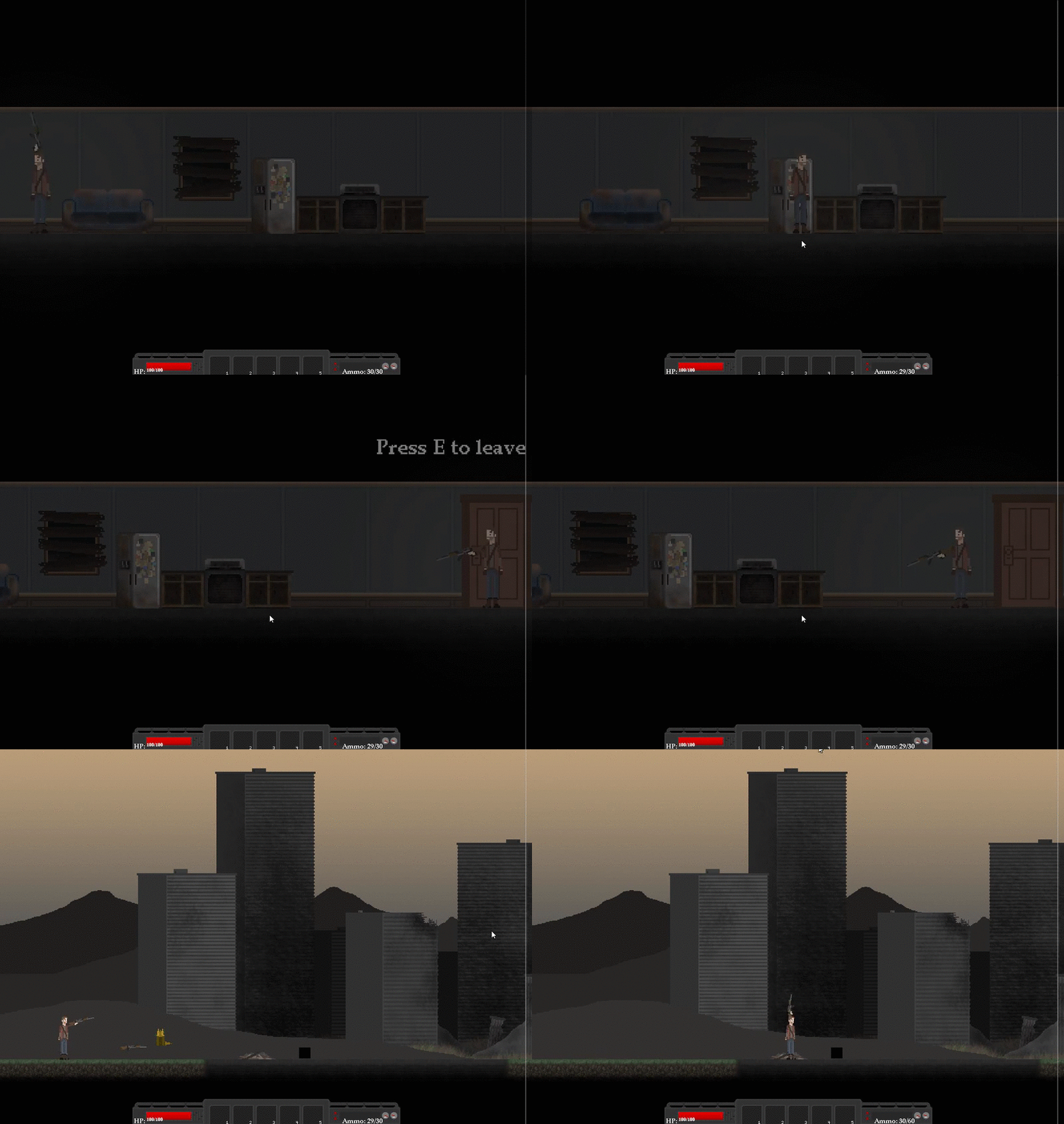
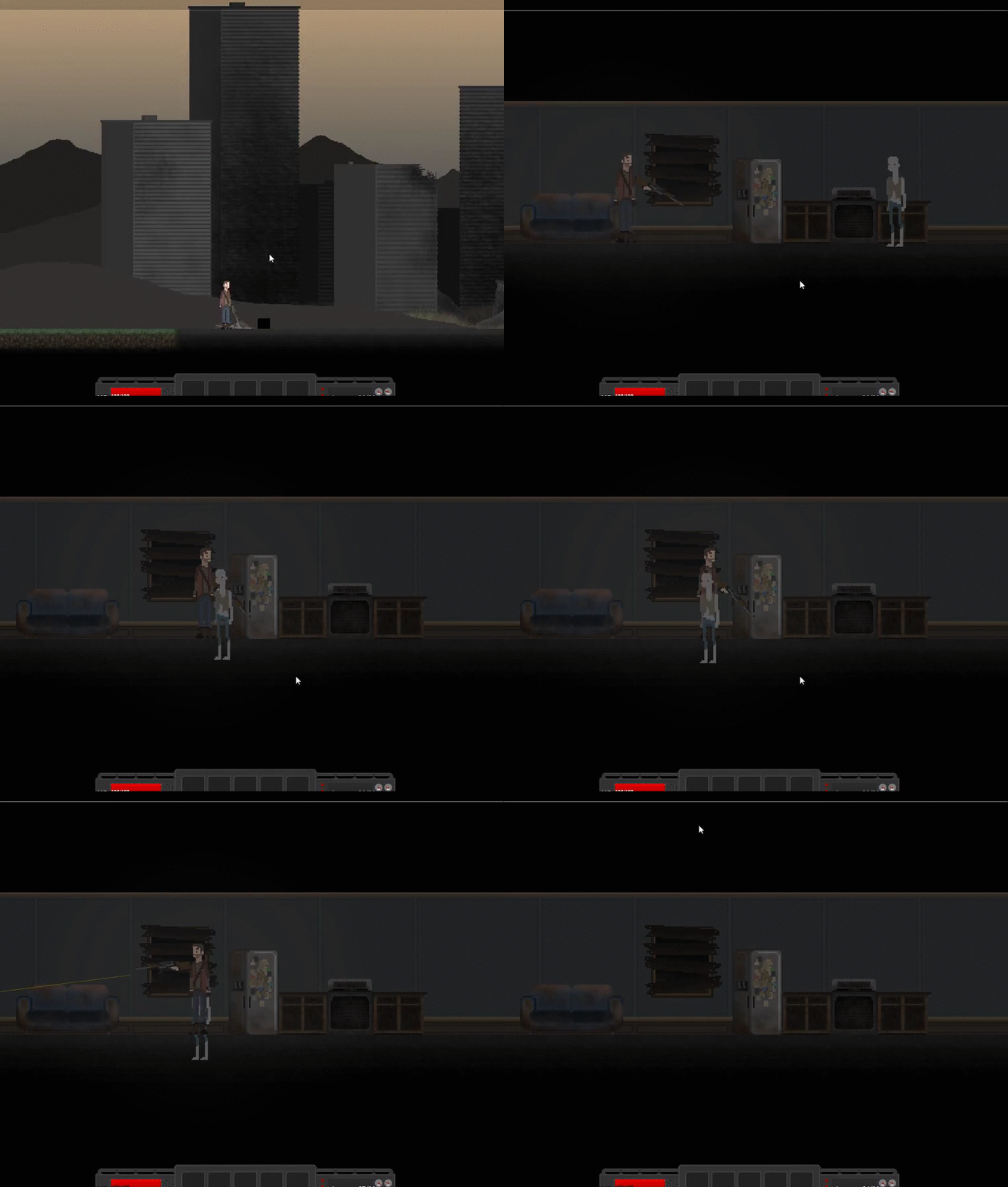
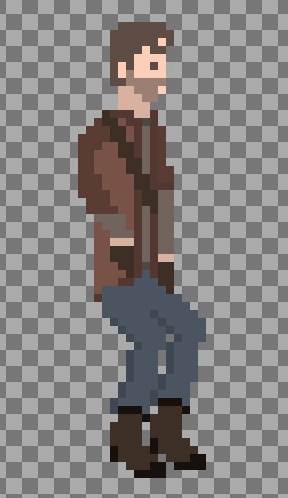
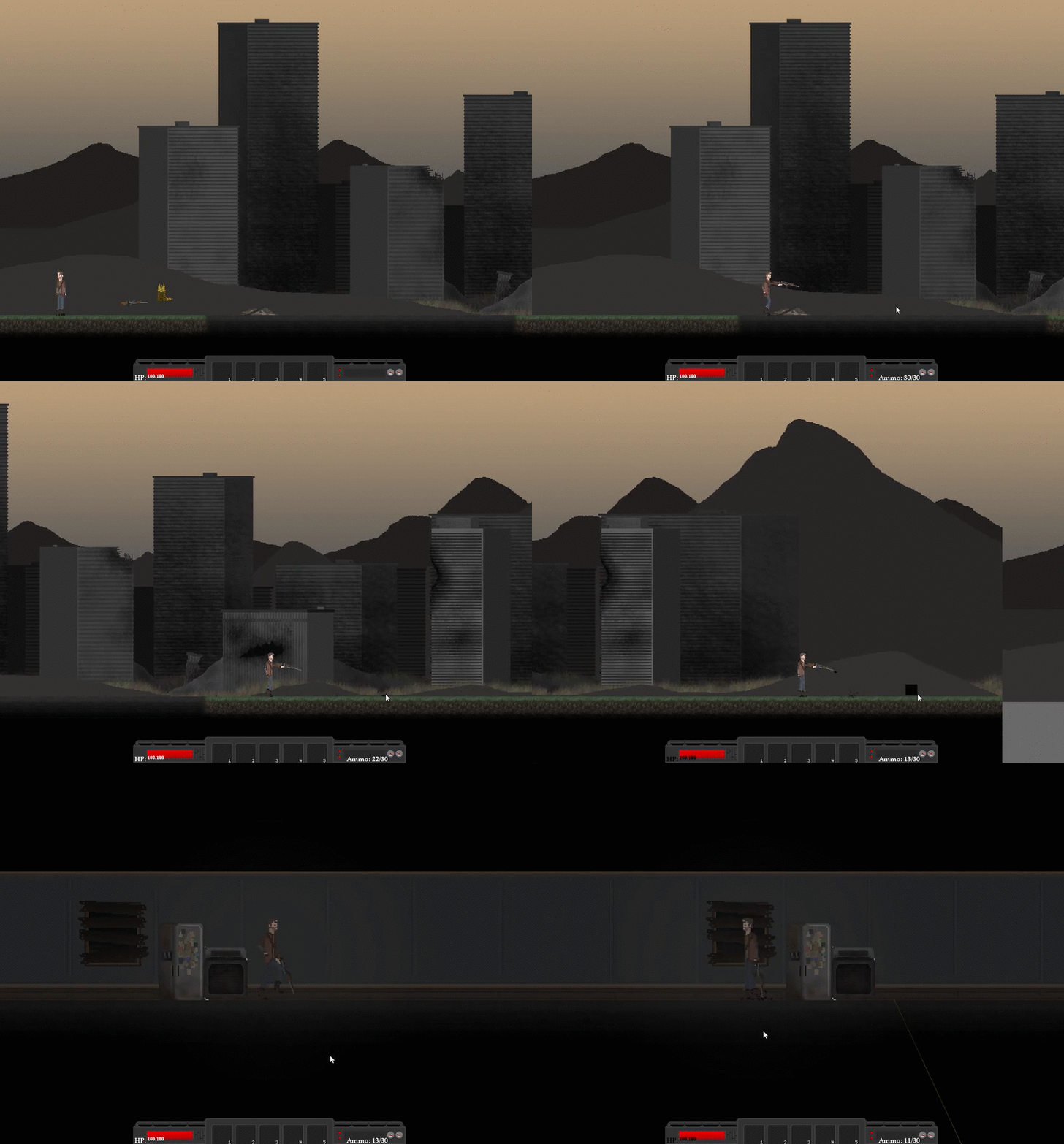
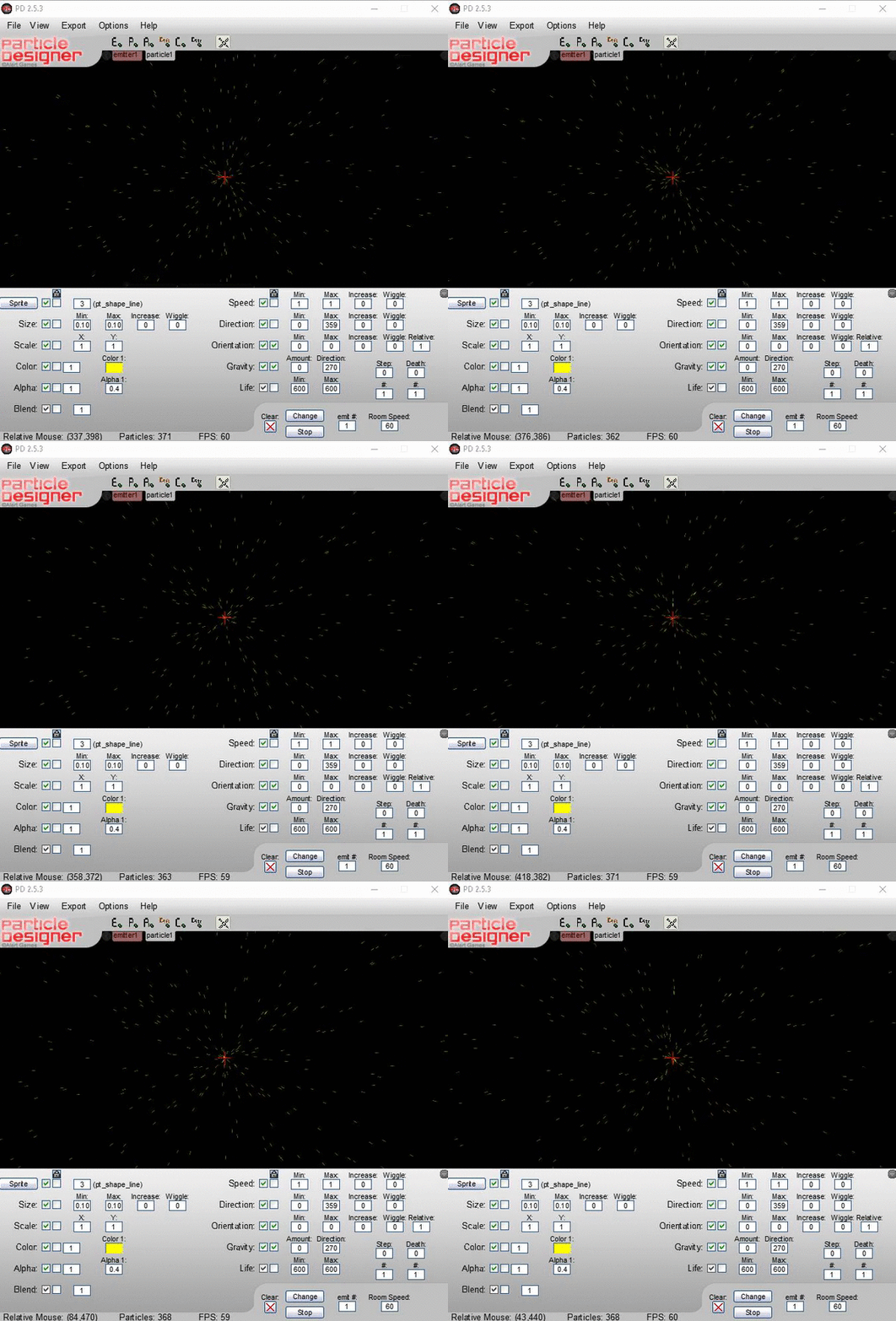
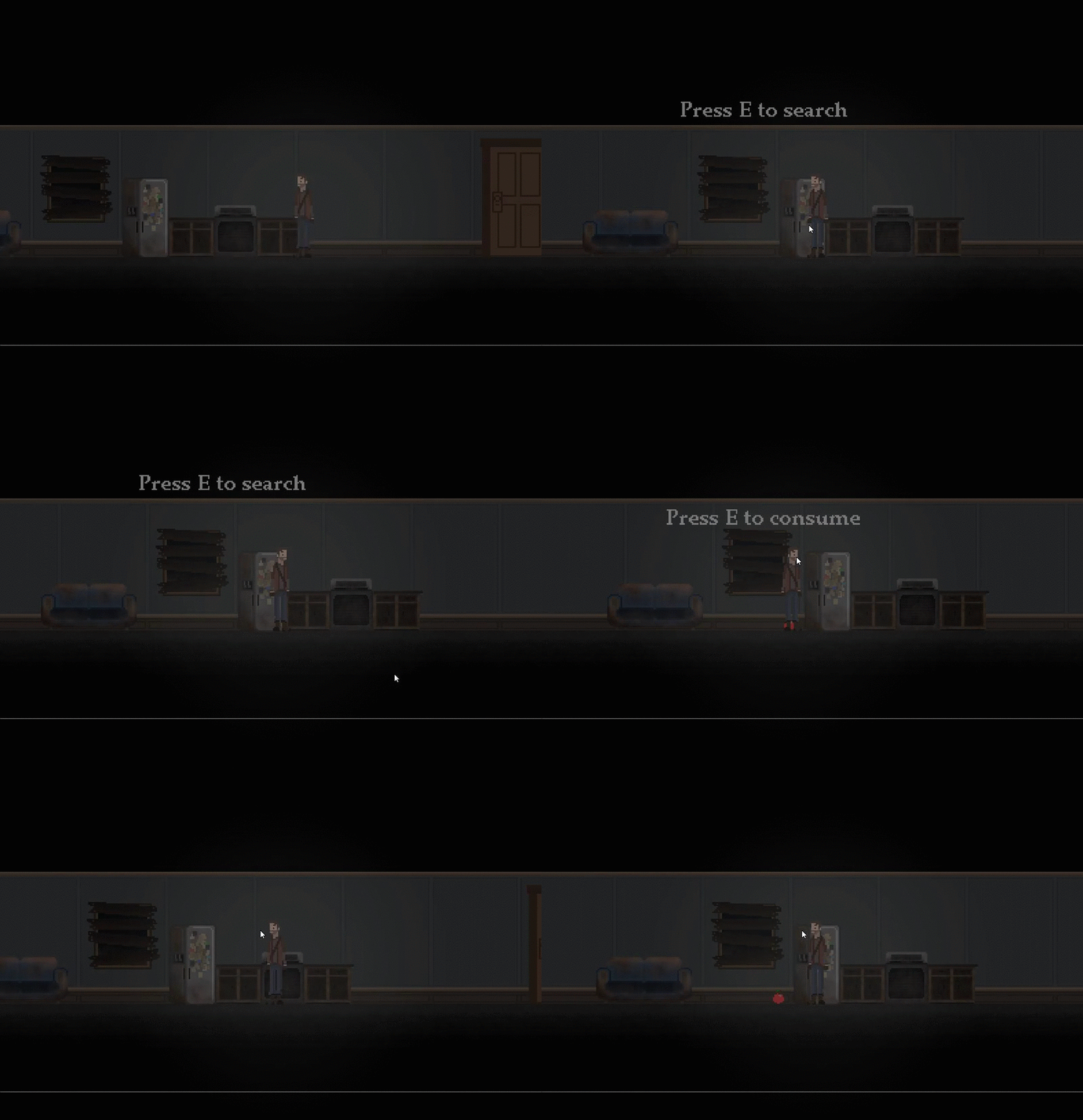
Today we wanted to work on the zombie mechanics but decided to give that to Howie since he created a path for the zombies and we have no clue on how to deal with paths. So we actually started on the cut scene so that the vspeed is equal to 2 when the cutscene is started, and the sprite index is set to the player sleeping in the sleeping bag (which we modified to fit the new player model). After that we figured out it would alot easier and would look better if we got Jake to create an animation, and then play that whole animation for the cut-scene as a video or something, it would look a lot more fluid, and it is also what most game developers do. Anyways, we found out that a game mechanic looting system would be extremely cool and useful so we started on that. We started off so that we made the fridge display text saying press e to search, if e is pressed, an apple is spawned on the floor (we want to make it so it spawns in your inventory but that's for later), and the fridge is now empty. The apple displays "Press e to consume" and the apple disappears and 20 health is added to the player. There's no health limit at the moment but it can be easily fixed.
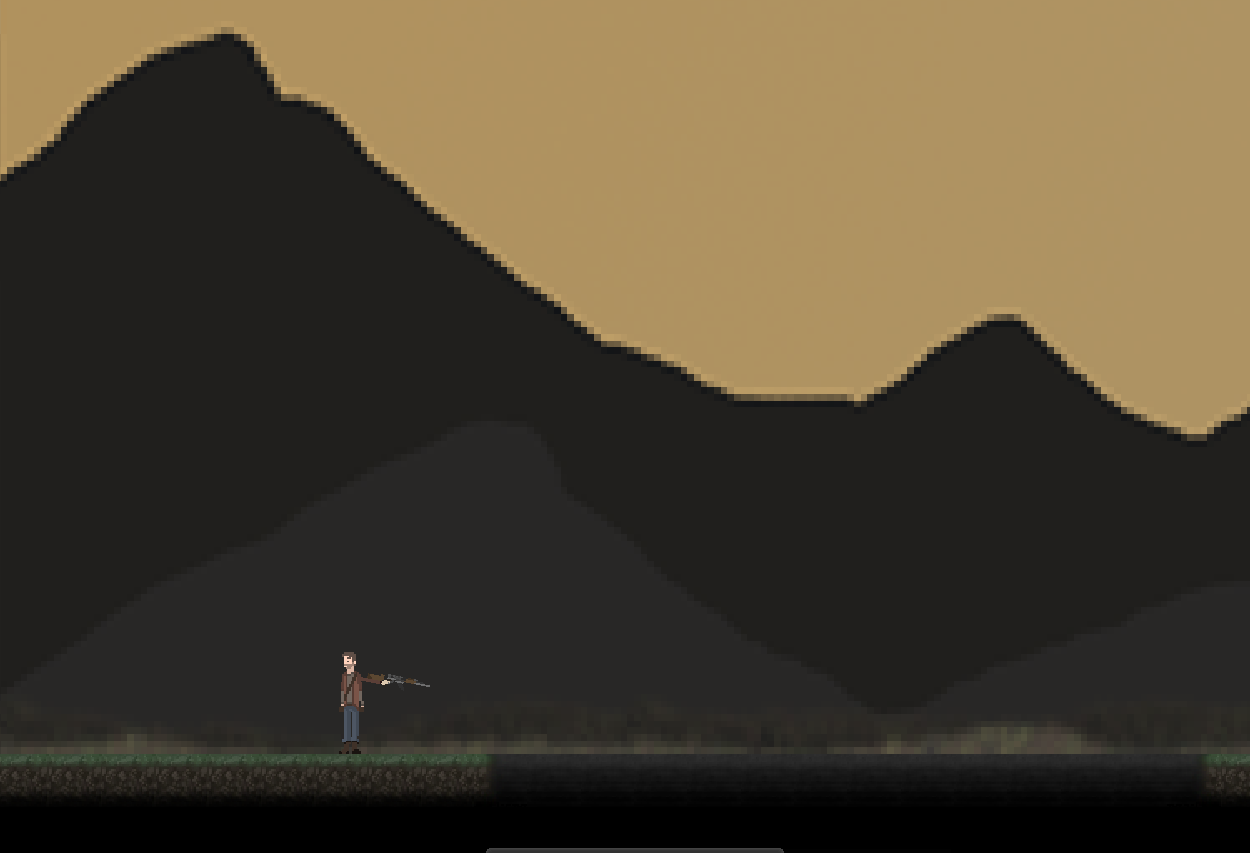
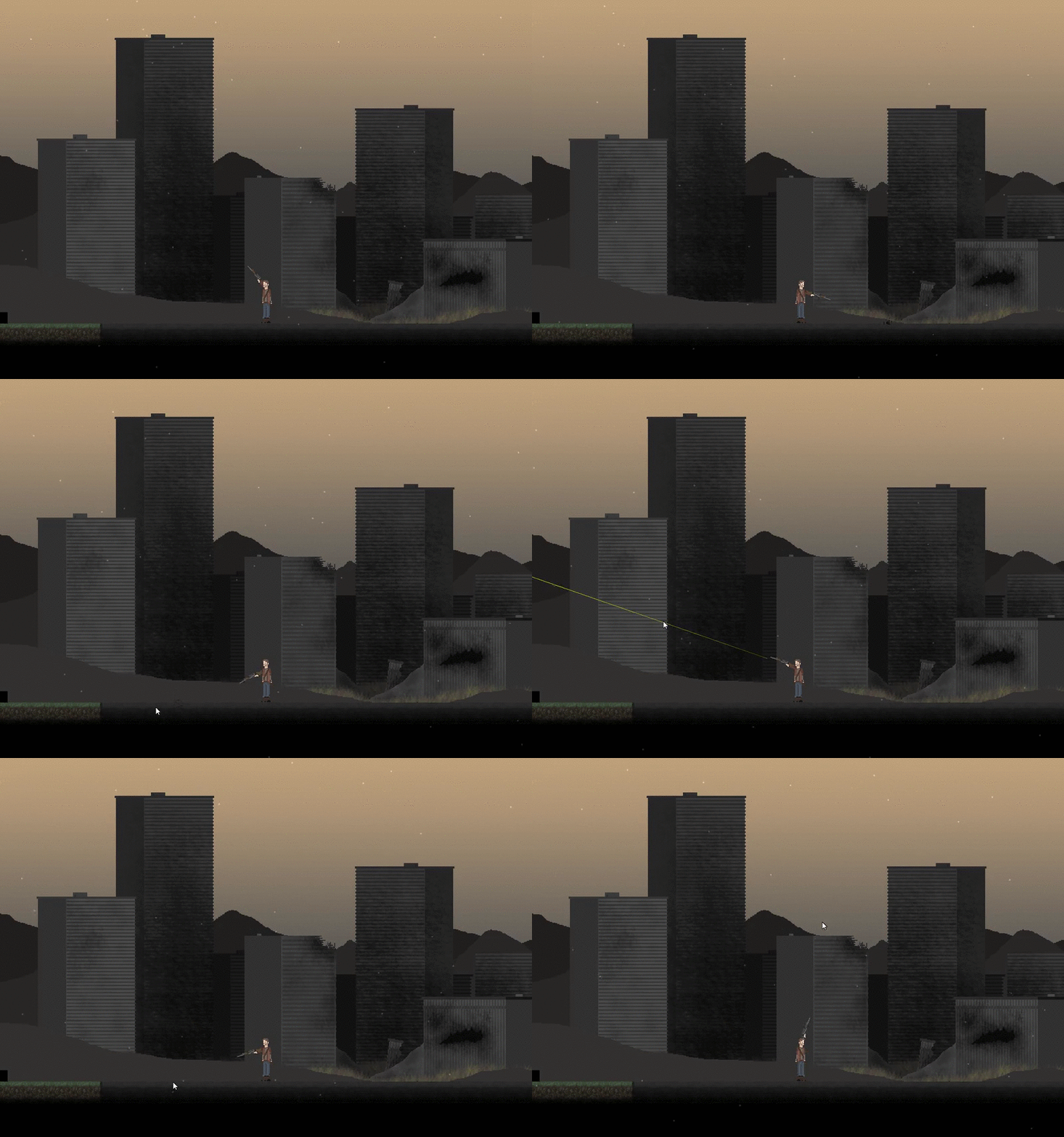
Anyway, this is sadly my last post for this class, though I will working on it in the future, just not in this class. I learned a lot over the course of this class including that we should've switched to Unity instead of Game Maker. The outcome of the game wasn't what I wanted to end up with, but that said I'm not disappointed in it. Jake is going to continue to work on the animations/character models so that we can visually enhance the game even more. Anyways, here's my final .gif:

Thursday, 21 January 2016

DAY 82

Today Nick and I wanted to add in all of the stuff we have made over the course of the year since tomorrow is the last real day to work on the game. First off we put in the night cycle and right away I noticed that the glow looked kind of off. I tried to make it so the glow was less intense and so that It would project behind the player but still lighting up the dark. I also adjusted it so that the night time isn't completely pitch black. We did also find a weird game maker error with the sun still appearing in the left top corner of the screen in the house room. We found out that when the player shot, the
"sun" got bigger and bigger. I think a while back I tried to make the "sun" a muzzle flash particle effect from the gun, and left it in there because I thought it didn't work, but it just wasn't appearing on the screen. So we got rid of that and it finally worked. Next class we are going to maybe work on the cut-scene, and I want Jake to give me the title screen thing he made so that I can implement it and make a main menu. I also want to make a pause screen, and options and such, though we won't have that much time to do so.


Wednesday, 20 January 2016

DAY 81

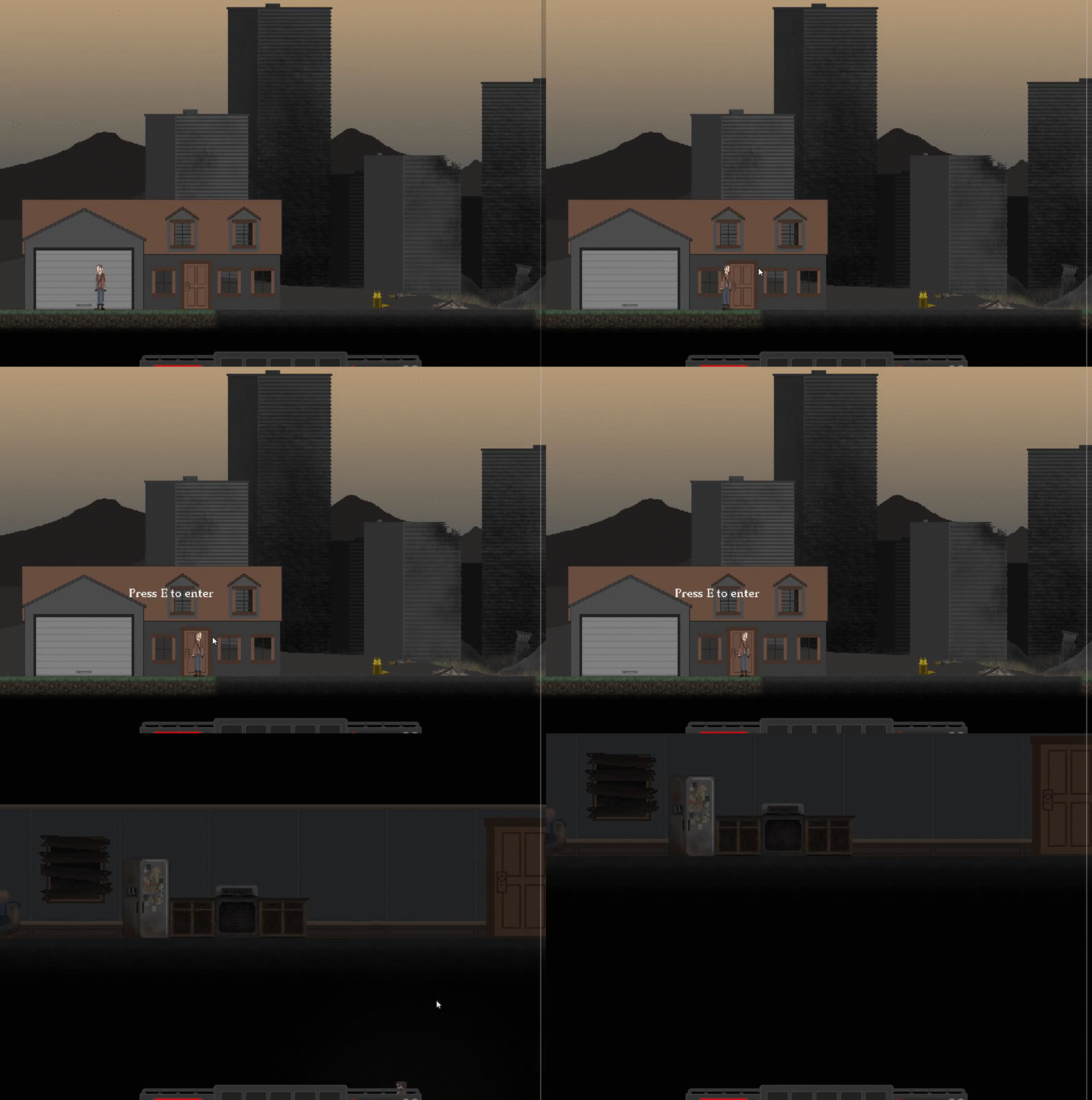
Today Nick and I continued to work on fixing up the room transportation. Howie fixed up his old house sprite to match the perspective of the new game. So we wanted to make it so the player can go up to the door on the house and click e to enter. Basically we just duplicated the other door and set the door to say "press e to enter". With this we had a depth problem with which took us quite a while to fix. At first, the player would go behind the door, and the text would go behind the house. We tampered with a few things and used a command obj_player.depth-1 = depth which we thought would work but only did for the player, and not his arms. Though this took a while we figured it out. We also had a problem where if the player went near the door, the variable "near" went true, and stayed true for some reason, so after coming in contact with the door, the player could press e anywhere in the room to transport to room1, though we fixed that by saying, if not near the door near =false. Also Jake made a really cool title screen background and animated it this class. I want to put it in my game and maybe add a constant layer of dust slowly moving in front of the screen.


Tuesday, 19 January 2016

DAY 80

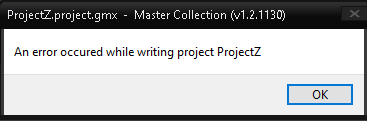
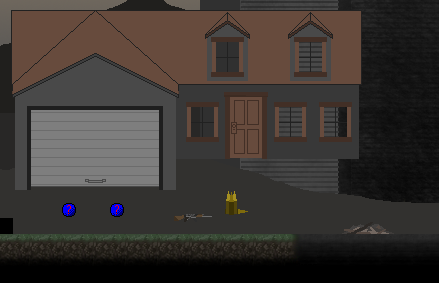
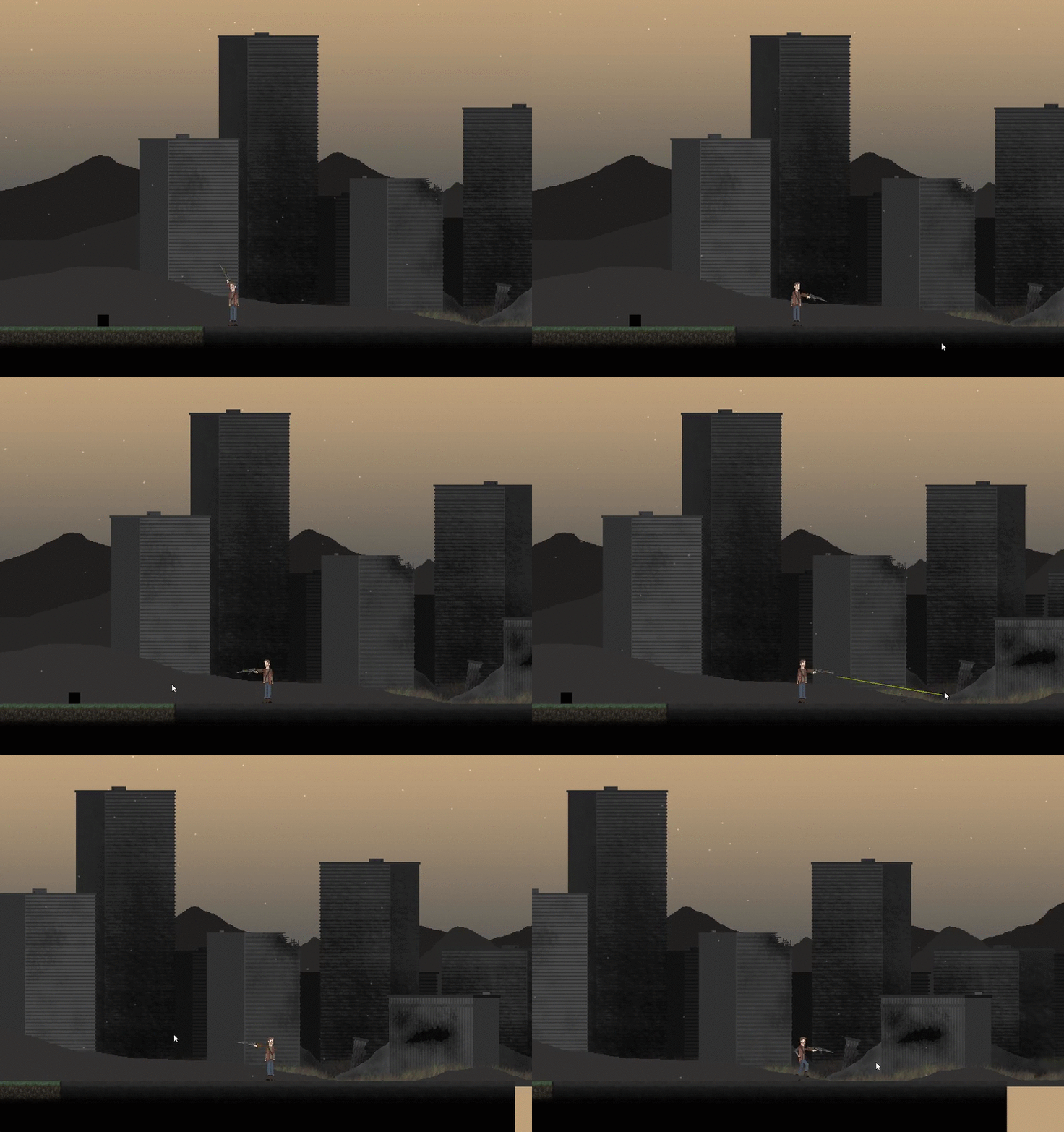
Today I worked with Nick the whole day and we wanted to have some sort of gameplay added to the game. We were talking about a cut scene and how it would play out but Jake had an idea as to what we could start it out with so were not sure if were going to do that or not. He wanted to start out with the player waking up in a basement pooled with blood, but I'm not sure how we would visually create the blood and make it look liquidy and not just solid, other wise it would like odd. Anyways, we needed a way to leave the inside of the house so we took the door off of the house Howie made and made it into an object that switches the player to the main room if touched. But we wanted to make it more advanced than that so it's not so simplistic. I wanted to make it so that it says "press to leave" and when the player presses e, then it switches. So we attempted to do that. After many errors and it not working alot, we finally managed to find a way to make it work. Basically, the code says that if the player is near the door, set off a variable that draws text saying "press e to leave", and when E is pressed, the player is transported to the next room. It's very simplistic, but for some reason we had weird errors like what you can see below. Tomorrow I/we will work on the cut-scene and hopefully Jake is here so we can talk it out with him.


Monday, 18 January 2016

DAY 79

Today I worked on trying to fix the weird problem with Simran's background. I explained the problem to Ty and Jake, and they all of a sudden had many solutions to the problem. All of these solutions they made me try regardless of if I previously did. Once we tried all of these "solutions" All we were left off with is what we started with. So I tried switching to Game Maker Master Collection and opening the file there, but all of a sudden a wild obj_sand appeared out of nowhere (Nick's malware object) which I previously deleted and now reappeared to continue to wreck my game. So I deleted it once again, and ran the game. It came up with many errors in the program itself, saying it cannot find the path for whichever reason. We googled it but only found requests for fixes and not fixes themselves. So at this point we are kind of stumped. One thing I can try is the graphics tab in global game settings and try to mess with that since when the game is launched, it resizes the background. So that is what I will do next class.


Thursday, 14 January 2016

DAY 78

Today I was trying to blend Jake's original background and Simran's forest mountain thing. This would mean that the whole thing would be almost 10000 pixels. I tried doing this but it didn't really work out well, so I kind of gave up. I wanted to just then create a separate room, and have a transition block to switch the rooms. I duplicated the first room and put in Simran's background normally and launched the game. For some odd reason it was super blurry and the image was really low quality. I found out that when I was launching the game, it was resizing the image for some reason, and somehow making the image super blurry and crappy. We're not quite sure why, though It probably has something to do with the massive size of the background. I googled it and found out that the max size for a background is only 2000 pixels. So I have no idea how were going to have a big world. I'm not sure if it has something to do with my steam version of the game or not, but next class I'll look into it. We also went out and recorded a few sound effects such as door sounds, footsteps, and dying sounds.


Wednesday, 13 January 2016

DAY 77

Today I couldn't make it to class so I had to work from home. I wasn't quite sure what I could do from here since I don't have Game Maker studio on my macbook here, and have tried multiple times to try and port it to mac. I'll try again after I'm done this course so I can continue to work on the game. Anyways, I decided to search up a few sound effects and songs and such since that's kind of what I did last class. I found a site called freesound.org or something and it seemed to be quite good for all different kinds of sound effects. I'm not sure if we need any more music in the game since Howie made 2 mind-blowing tracks and we don't even have any gameplay yet, so I decided not to go in that direction. What i did find is a really cool wind sound effect that could probably be looped and played sort of to match the fog effect we have but haven't used for a while. I think if I adjusted it a little bit, I could almost make it feel like wind. What would be cool is a sort of blur when it is windy on the screen, or when it's snowing theres frost around the corners of the screen. But I'm getting ahead of myself, I'm going to save that stuff for after the class is over. I texted Jake and told him to work on the player running animation, but it turns out he was quite sick. Though he did tell me that he would try and do a little bit.


Tuesday, 12 January 2016

DAY 76

Today I came in a block earlier and was working on a project for AVID class which happens to involve video games. I'm not going to go in depth with it just going to state that is a resume, in the form of a video game. Anyway, today I wanted to put Howie's zombie into my game to try and gather all of our resources together. So I tried that and added a collision from the zombie and the floor as a precaution, and launched the game. It didn't work at all but I wasn't even frustrated as you can see why in the gif below. After that I was going to try and start the zombie from scratch but decided that would take multiple classes and I want to spend my time wisely. I noticed Ty was adding a bunch of sounds to his game and since Howie made 2 amazing songs that fit our game, why not use them now. So I downloaded them from his soundcloud account. I had to make an snd object for it, and then I put it in the step event of the player. This however made it so that the sound played 80 times at once per second, and hurt alot. So I had to put it into the create event and that did the trick. Jake sent me a wind sound effect months back and said it was pretty cool so I had to scroll up in our drop dead skype chat and find it. I eventually did and put it in the game. I want to adjust the volume on each of the sounds but I haven't found out how yet. That is what I will do next class as well as room design. Also, I am going to try and make the background so it is loopable, which I asked Jake to do but I think I'm going to just do it myself.


Monday, 11 January 2016

DAY 75

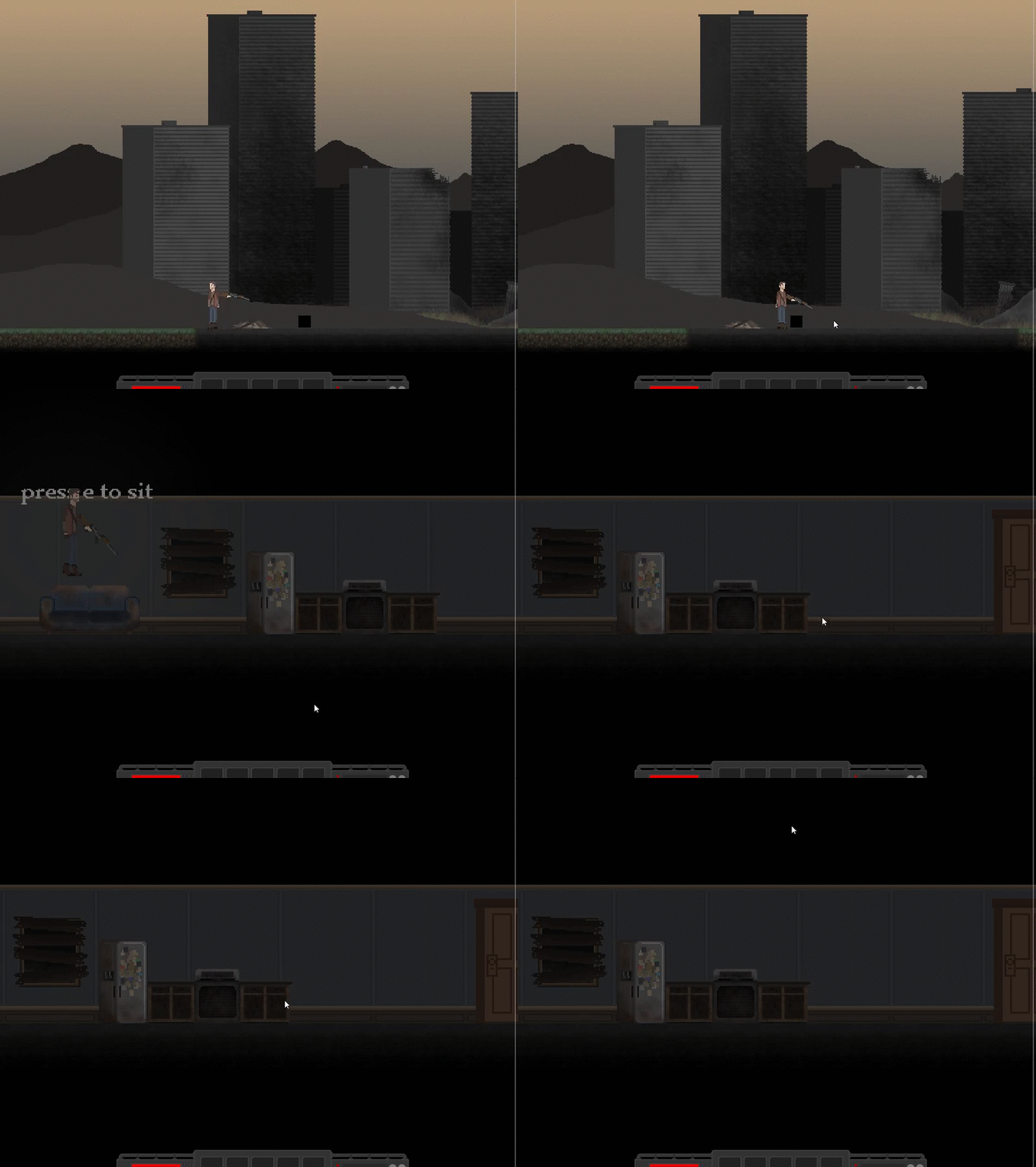
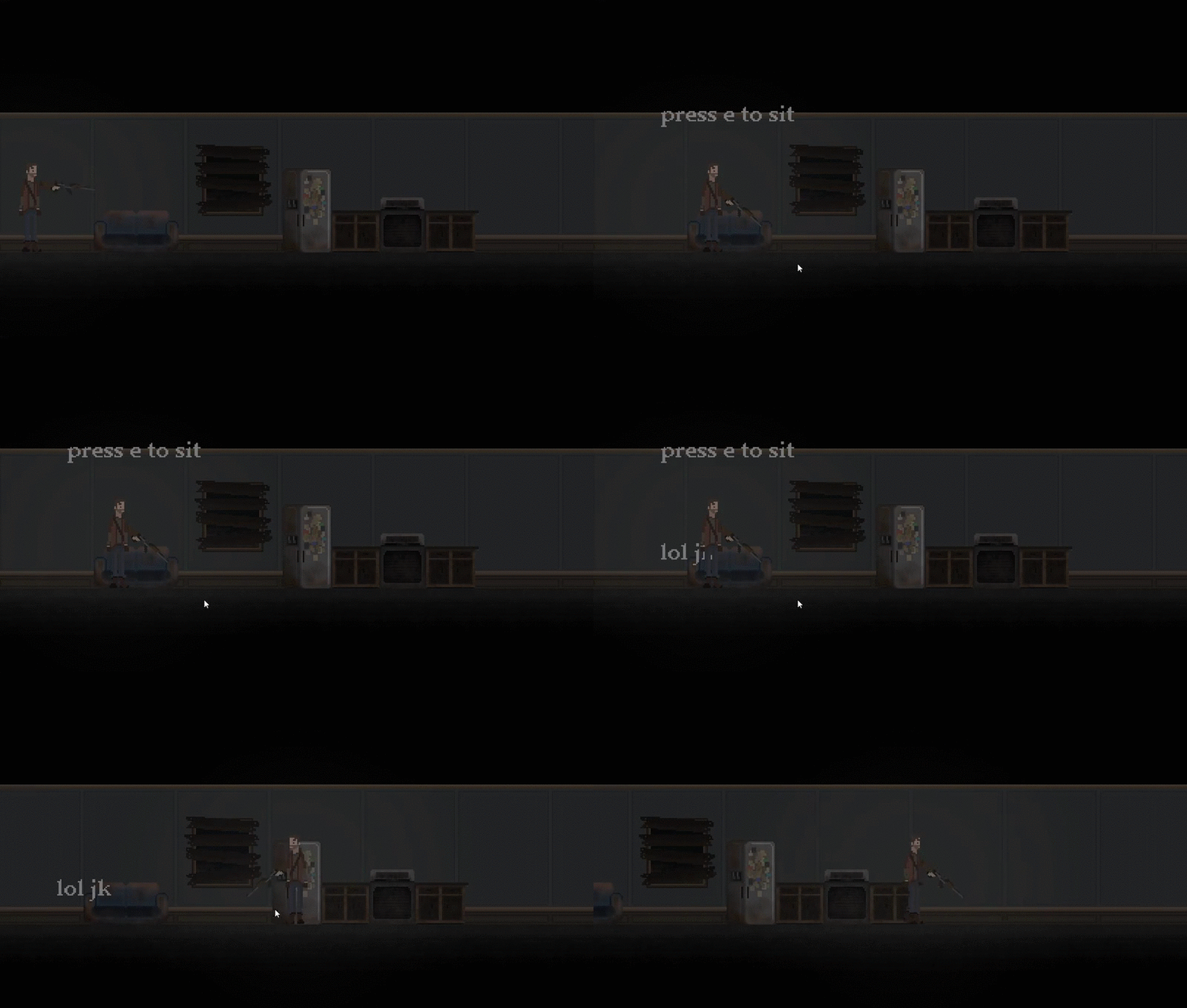
Today I found out that someone was messing around with my computer and changed my contact info for skype and steam, and also made a game maker file, which is really annoying. Anyway, I fixed that and began to work on room design. I put in a few more things from Jake that he made a while back and designed the house a little bit. It looks really good so far so I wanted to add a little bit of gameplay. I put in the couch object if the player is at a certain point near the couch, it will display a message saying "press e to sit". Once the player presses E I wanted to make the player so that he would sit. I took a sprite that Jake made and modified it to kind of make it look like he was sitting (not really). I made it so that if the player is touching the couch and pressing e, the sprite index would be changed to that, which didn't really work. I decided to scrap that idea and put a text message popping up saying something instead. I made it so when the player presses e and is touching the couch, a variable is set to true, and the message would be displayed under neath the previously drawn text. I also got Jake to continue working on the zombie death animation so he could finish it and move on. Howie's working on a title screen that looks pretty good at the moment. Next class I will try and continue on room design but outside, and make a door that transports the player from the house to the outside.


Friday, 8 January 2016

DAY 74

Today I worked on a ton of little things that needed to be done. Basically what I did today was use all of the things we have made and put it in our game because we only have a couple weeks left of this course sadly. We also had a "pre-alpha" tester come in today to get some impressions and help lead us to improve. Basically we didn't really have much to show for all of the work we did because of nothing really being in the room or anything, so the only gameplay we had was for in Howie's game; shooting at a few zombies, and in my game, shooting at the ground because of the cool ground hit particle effects. He then looked at Ty's game and compared it to ours (which is our worst nightmare). So I began to add all of Jake's indoor objects to the inside of the house and a few other things to the outside. I took the house sprite someone made and extracted the door to put in as a transition object from each of the rooms. I had to edit a few things because there were 2 players at one point and the y value was way in the sky, but I fixed it. Next class I will continue to work on room design, and get Jake to work on grass, or more importantly; the player animation.


Thursday, 7 January 2016

DAY 73

Today I worked on room design and trying to make it look like a real world. I created a bigger grass tile so that basically its 5 tiles in one object making it easier to mass world generate. I also noticed that the transition from cement to grass is too choppy so I wanted to make it blend better. I did that which took a little while. I noticed that the ground was looking a little flat, and want to create some grass for it, which would make it look way better. I will probably do that next class or get the art master Jake to do it. After that I tried multiple things and googled the crap out of how to deactivate snow. After a while a decided to just not do snow and I took the object out of the room for now. I wanted to put the house Howie made (I think he made it), in the room. I noticed that it was still in the top down sort of style so I need to fix that. But that's for tomorrow. I keep asking Jake to start the animation for the player but he is determined for the zombie death animation, which is still work, just less important. I will continue to work on the house, and room design.


Wednesday, 6 January 2016

DAY 72

Today I figure I could start playing with the slopes to see if I could make it work. Though Howie already had a code for it that some what worked, but needed to be tampered with. So he started to work on that while I found out another problem. There was a weird fire particle in the house room at the top left corner, and it was also snowing (even though the object that created it was in the other room). This means that the particle has to be coded to stop otherwise it will never stop regardless of anything. So I looked into that and it seemed very complicated; you must destroy the emitter, the system, and everything associated with it pretty much. Also when I tried to launch the game in debugger mode to try and find out what created the fire particle thing, I started working on the game while it was doing it, and forgot about it, then later realized it was still trying to launch and then everything I did was erased due to it crashing. So that was cool. Anyways, I got Jake to work on the player animation for next class. Tomorrow I will try and fix the particles, and maybe try and work on some aesthetics.


Tuesday, 5 January 2016

DAY 71

Today I worked on a bunch of small things; I adjusted the view on the screen to be a bit smaller because it looked sort of weird, I got Simran to work on a cloud effect that is transparent and can add to the the feel of the game, and also tried to get Jake to work on the character running animation, but he keeps saying that he needs to do it at home. So I got him to work on sort of a hole in the ground that we can use for the "tutorial" area telling the player to press space to jump over the hole to get used to the controls. I also tried to create a slope to make the game have more levels. I opened photoshop and used the grass tile to start, made it into a slope looking object, and put it in the game just to see how the player reacts to it. I parented it to the grass object and launched the game. When the player stands on it, it reacts as a flat surface, but is actually not, and is telling the player to do weird things. I've come to the conclusion that if I want to have any sort of downward slope, I will have to either create a separate animation for it or redo code. Unless all I have are sharp drops like in minecraft. Or I could make it so the ground looks like there was a major earthquake, and the plates split apart or something like that and implement that into the story as an excuse for laziness. Next class I will probably work on particles or something.


Monday, 4 January 2016

DAY 70

Today is the first day back from winter break so we decided to have a group meeting to kind of get our thoughts together again. Starting back up on the game we kind of feel it is a chore and want to take the easy way out and start again. Though this is not the logical or realistic route, and we will just continue on with what we've got. So I tried to launch game maker studio, and it gave me an error. This is apparently due (according to Howie) to the new windows 10 update, and he claimed to know the solution. So I let him go on my computer to fix it, which is usually what happens anyway. So the rest of us thought of ideas on what to start on. We also got Nick to watch some coding tutorials. After a while Howie sort of gave up on fixing my computer, and then Un gave-up and finally fixed it. Meanwhile we didn't really do too much because Howie was finishing up on my computer so I couldn't use it. Next class I will continue working on particle effects and some other things.

Friday, 18 December 2015

DAY 69

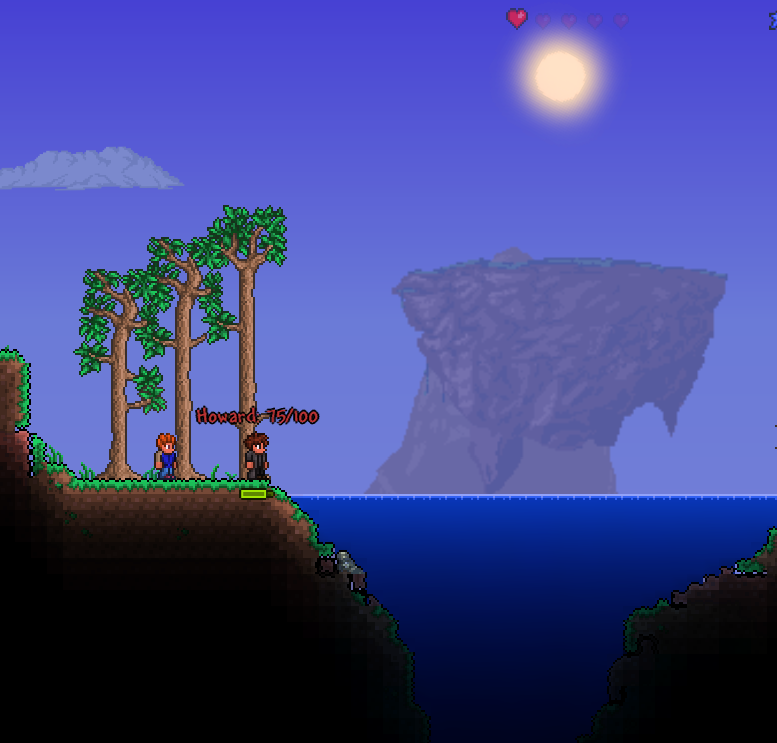
Today I started off with playing a game called terraria to maybe get some inspiration for our game since the two games are very similar. I first noticed the sun placement and how it wasn't actually animated which took away from the immersive aspect of the game. After that I exited the game and began to work on some more particles. I began to work on a rain particle effect since I had already made a snow/ash one and it would be easy after creating that. I wasn't sure why but the rain was looking very weird and was being too sporadic and going in all directions. Jake and I worked on this together and found a solution that made it look quite good, but wasn't covering all of the screen for some reason. We stretched out the emitter all the way and it still didn't cover it. After christmas break I will try and make it look better, and who knows what I'll start on that far ahead in the future, maybe even a whole new game.


Thursday, 17 December 2015

DAY 68

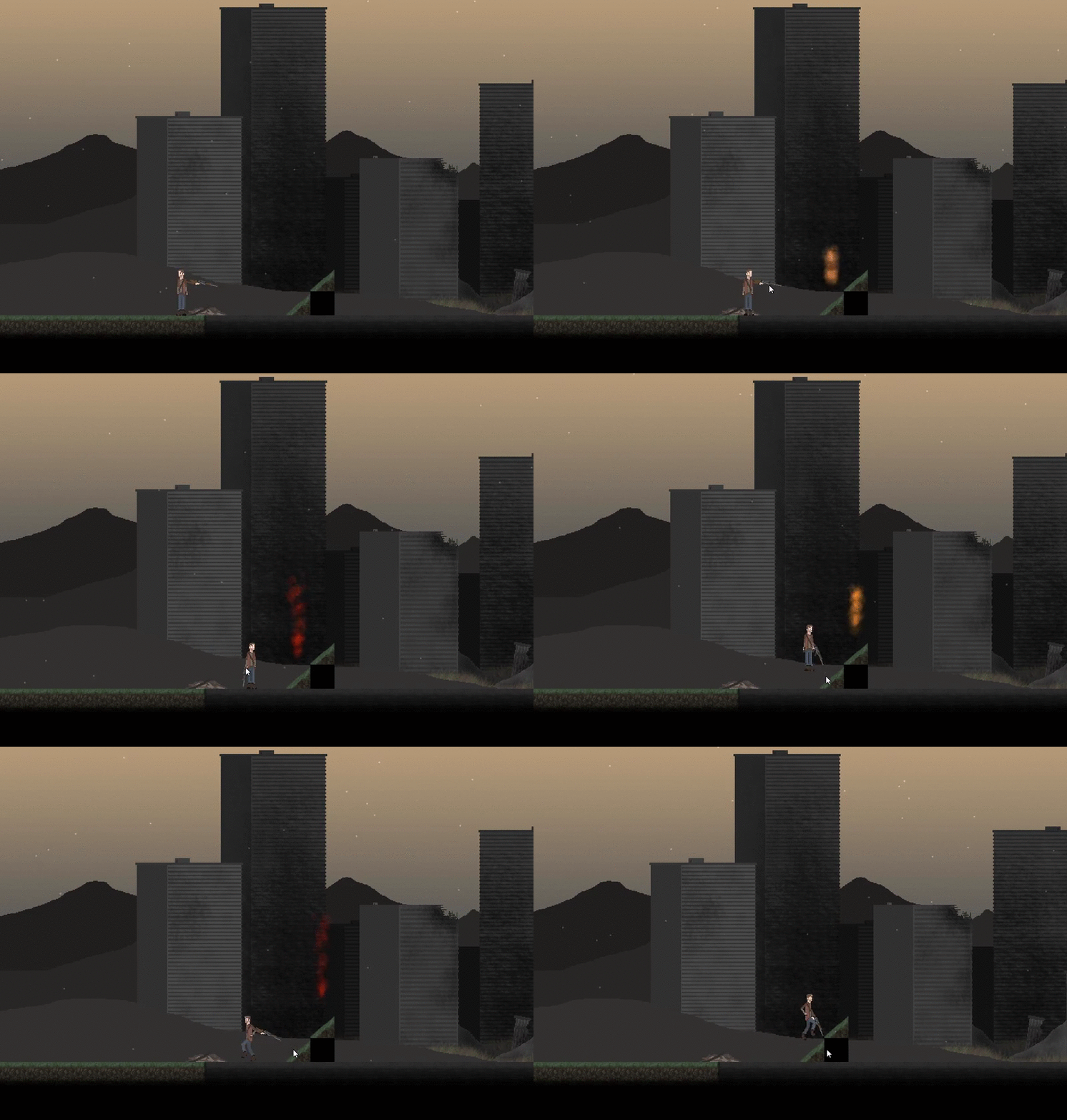
Today I worked on particles again with Jake. I started without him trying to make a rain effect. I made the shape of it to lines, adjusted the opacity, changed the colour, and speed, and a bunch of other things to make it look like rain. I imported it onto my desktop to save it, and it had this weird error message thing that I didn't understand and the program quit itself and nothing saved. So I had to cut my losses and move on. At that time Jake came in and we were playing around with it to try and make a fire effect or sun effect or something. We weren't quite sure what it was but it kind of looked like magic and Ty was intrigued. We werent sure how to implement it, but if you change the colour to a sort of brownish colour, we could use it at the player's feet to make it look like dust or something when they are walking. After a while of playing around with it we came up with a sun looking thing. Next class I will maybe try and make fire or something else.\

Wednesday, 16 December 2015

DAY 67

Today I played around with the particle maker program trying to figure out what to make. I wanted to make rain or snow or something falling from the sky but I wasn't sure how to move the emitter and stretch it out so that it looks like rain. I found out how after a while and I basically played around with it for a while until it looked good. I exported it and put it into my player object. It worked right away and looked pretty good but the snow flakes looked kind of big and cartoony. I went into the code and adjusted the size to make them smaller, and the alpha value to be more transparent. Then I adjusted the speed, and amount of the particles, so that it looked like it was slowly moving down; like snow does. After that it looked pretty good, but the snow went over the ground and didn't look very good. I tried adjusting the depth to make it go behind the ground, but nothing worked. So basically all I did was adjust the depth of each of the ground objects to -1, and that worked fine. I'm not sure if it looks better that way or not, but I'll leave it as it is. Next, I wanted to make fire, because fire is cool. I followed a tutorial but didn't end up finishing it due to the lack of time. Plus, it wasn't working anyway. Also, I got Simran's mountain background from him which we need to combine with Jake's original. Next class I will probably continue to work on particles.


Tuesday, 15 December 2015

DAY 66

Today I decided to scrap the text box idea as it was causing too many unknown errors within some of the ground objects, which doesn't make any sense whatsoever. I also noticed that when the mouse turns to the left and right, the player doesn't move towards that direction. So with Howie's help we took the code from the player's arm so they turn towards the mouse. Ty was working with particles and things which sort of motivated me to do what I did for the rest of the class: the same thing as him. I've had some experience with particles before, but not really enough to create exactly what I want within code. I youtube'd a few things and found a particle maker application for game maker studio. Basically you can adjust the particles how you like and actually visualize it. I wanted to try and make snow but I wasn't sure how to move the emitter. I was playing around with it and learned a bunch on how to maneuver it. This can be really useful with any particle effects we need to make in the future. Next class I will try and make something we can implement into the game.


Monday, 14 December 2015

DAY 65

Today I was going to work on fixing the three arms when holding a weapon and standing still issue, but Jake was doing arm and gun sprites, so I didn't want to make anything that's going to be replaced in the future. So I decided that in the beginning of the game, the player needs to react to the environment (being that he is surrounded in blood and there is bodies everywhere), as people do. We can't just have animations of that because: 1. That takes too much time. 2. It won't really explain anything and might be confusing. So I wanted to make text boxes for the reactions. As always, I went on youtube and found a video that would be useful. I followed through the video, and created a script, a text object, and a text trigger object. Basically what I want it to do is pop up when the player collides with the trigger, and scroll a line of text with a text box relative to the size of the text and such. The way the video did it was whenever the mouse clicks in a certain location, it spawns text, so mine is a little different. This might be why it created a few errors; one of which I fixed. Jake and Howie both tried to help me with this error but they don't know much about scripts, so they left me to deal with it. By the end of the class I didn't figure it out, so I will have to do that in tomorrow's class.


Friday, 11 December 2015

DAY 64

For the first half of the class I helped both Jake and Nick on their work. For Jake I helped him work on the water/blood object and sort of critiqued it a little bit while also helping to work on it. After doing that It looked quite good, but didn't have any movement to it when the player was in it. This takes away from the immersion but oh well, we are going to add a sort of splash effect when the player moves or gets up to a certain speed. I helped Nick work on a dodge movement, which ended up not working with me helping. After that I went to my own computer and worked on applying each of Jake's new player sprite images onto the sprites. For that I had to erase some arms and colour in some arms to be short. After that I noticed that the player had three arms when wielding guns, but this can be easily fixed by adding a variable that changes the sprite when wielding a gun and not moving, so it erases an arm. After that I wanted to make it so that when the mouse reaches a certain point above the player, it snaps to the left so that it doesn't make the player's arm look weird when moving around. I ran into multiple errors so I called Howie over. We figured out the that it would be easier to just have it so that the sprite changes to the left when the mouse x value is less than the player's x value, and vice versa. Overall this works alot better and now looks good. Next class I will maybe make it so the player doesn't have 3 arms when wielding a gun and not moving.